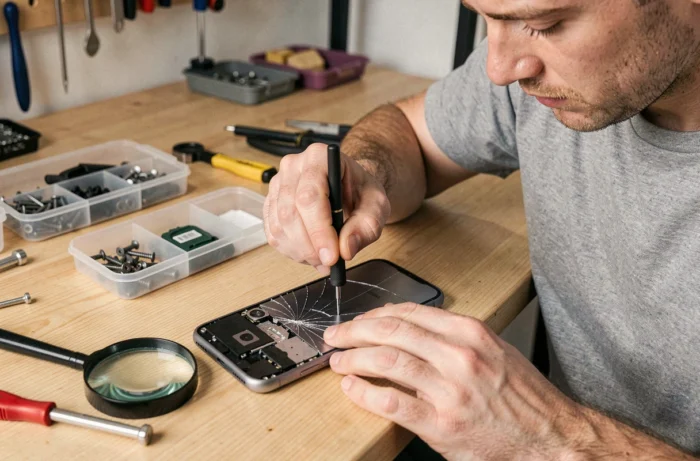
What is the actual cost of smartphone repair compared to replacing the device? Since the implementation of the European directive 2024/1799 on July 30, 2024, smartphone repair benefits from a regulatory framework that changes the game for consumers. This guide measures the gap between the main failures, compares repair options, and identifies the points where choosing DIY becomes cost-effective.
European Directive on the Right to Repair: What Changes for Your Smartphone
Directive 2024/1799, adopted on June 13, 2024, requires manufacturers to offer a repair before a replacement in the event of a warranty failure, as long as the repair does not cost more. This obligation directly affects phones and tablets.
Beyond the warranty, manufacturers must also provide out-of-warranty repairs at a reasonable price, as long as the obligations for the availability of spare parts are in effect under eco-design regulations. The transposition into national legislation was to occur by July 31, 2026, at the latest.
The other major advancement concerns the legal warranty itself. If you opt for the repair of a defective smartphone during the warranty period, the warranty is extended by an additional 12 months from the end of the repair. This mechanism makes repair financially more attractive than replacement in most cases. Resources like mobilejunky.fr allow you to compare available spare parts according to the relevant models.
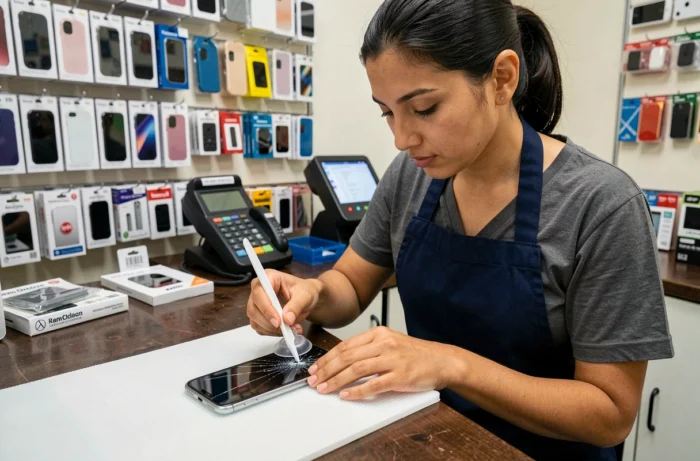
Comparison of Common Failures: Screen, Battery, and Charging Connector
Not all smartphone repairs are equal in difficulty or economic interest. The table below summarizes the three most common failures and their relevance for a DIY repair.
| Type of Failure | DIY Difficulty | Specific Tools Required | Main Risk |
|---|---|---|---|
| Cracked Screen (iPhone, Galaxy) | Medium to High | Suction cup, spudger, pentalobe or tri-wing screwdriver | Touch ribbon damaged during disassembly |
| Degraded Battery | Medium | Spudger, isopropyl alcohol (to detach adhesive) | Puncturing the lithium cell |
| Faulty Charging Connector | High | Hot air soldering station (some models) | Adjacent SMD components desoldered |
Screen replacement remains the most commonly practiced DIY repair, especially on iPhones and Samsung Galaxies where tutorials and spare parts are widely available. In contrast, the charging connector soldered directly onto the motherboard of some recent Xiaomi or Samsung models makes the operation risky without micro-soldering equipment.
Battery: The Case Where DIY is Most Cost-Effective
Battery replacement offers the best effort/gain ratio. Most Apple and Samsung smartphones use batteries held by adhesive tabs, removable with isopropyl alcohol and a plastic spudger.
A new battery generally restores the original autonomy for a cost much lower than that charged in stores. The condition: ensure that the part is compatible with the exact model of the device (internal reference, not just the commercial name).
Tools and Spare Parts: What Makes the Difference Between Success and Breakage
The quality of the tools directly determines the success rate of a repair. Here are the elements to check before starting:
- The screwdriver kit must include pentalobe (Apple), tri-wing, and Phillips PH000 bits, as an unsuitable bit rounds off screws and blocks disassembly
- Professional-quality screen suction cups exert consistent pull, while low-end models slip and cause dangerous jolts for the ribbon
- A magnetic mat or screw organizer prevents losing micro-screws (often less than 2 mm) and mixing them up, as they are not all the same length
On the parts side, the quality gap between a so-called “compatible” screen and a refurbished original screen manifests in colorimetry, touch sensitivity, and shock resistance. A low-end compatible screen may work for a few months and then lose touch responsiveness, especially on the OLED panels of recent Galaxies and iPhones.
Spare Parts for iPhone and Samsung Galaxy: Actual Availability
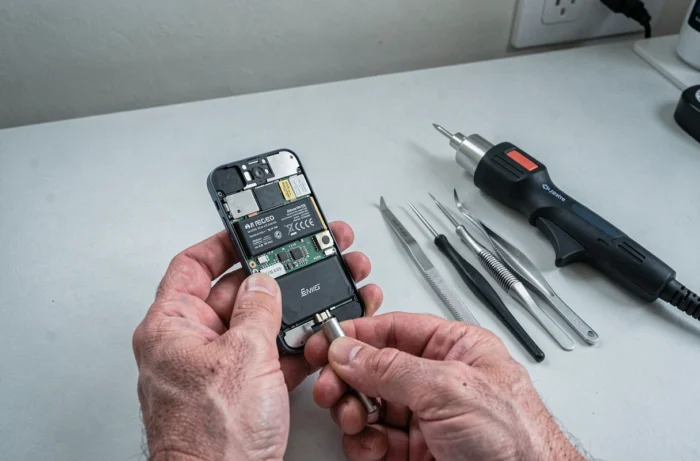
Apple has expanded its self-service spare parts program to several European countries. Samsung also offers repair kits for certain Galaxy models. These official programs guarantee software compatibility, an important point not to overlook: on recent iPhones, a screen not paired with the software may disable True Tone or display a permanent warning message.
For Xiaomi models, the availability of original components remains more limited. Compatible parts dominate the market, with variable quality depending on suppliers.
Diagnostic Errors That Turn a Simple Repair into a Permanent Failure
The primary cause of failure in DIY repair is not clumsiness, but misdiagnosis. A black screen is not always a broken screen: it could be a disconnected ribbon, a faulty backlight component, or a software issue.
Testing the smartphone in recovery mode before ordering a part allows you to eliminate software failures. On Android, the volume up + power button combination accesses recovery mode. On iPhone, connecting to a computer with iTunes or Finder allows you to check if the device is detected despite the black screen.
Another common trap: replacing the battery when the problem lies in the charging circuit. If the phone heats up abnormally during charging but the battery holds up well during use, the charge management component (often a Tristar or Tigris chip on iPhone) is likely at fault. This type of repair requires micro-soldering and is outside the scope of classic DIY.
- Black screen but vibration on startup: likely LCD/OLED ribbon failure, not motherboard
- Boot loop after a fall: first check the connection of internal ribbons before suspecting the motherboard
- Charging stops at a fixed percentage: often software (calibration), rarely hardware
Smartphone repair is becoming more accessible thanks to the European directive and the increasing availability of spare parts. Diagnosis remains the step that separates a successful repair from a permanently out-of-service device. Taking ten minutes to accurately isolate the failure before disassembling anything remains the most cost-effective advice in this guide.